
From a rough card to work your team can discuss and test.
Use AI Assist inside StoriesOnBoard to develop the map and card content. For cross-document analysis or a broader workflow, connect an external agent through MCP. Choose the tool by the task, then review what it produces.
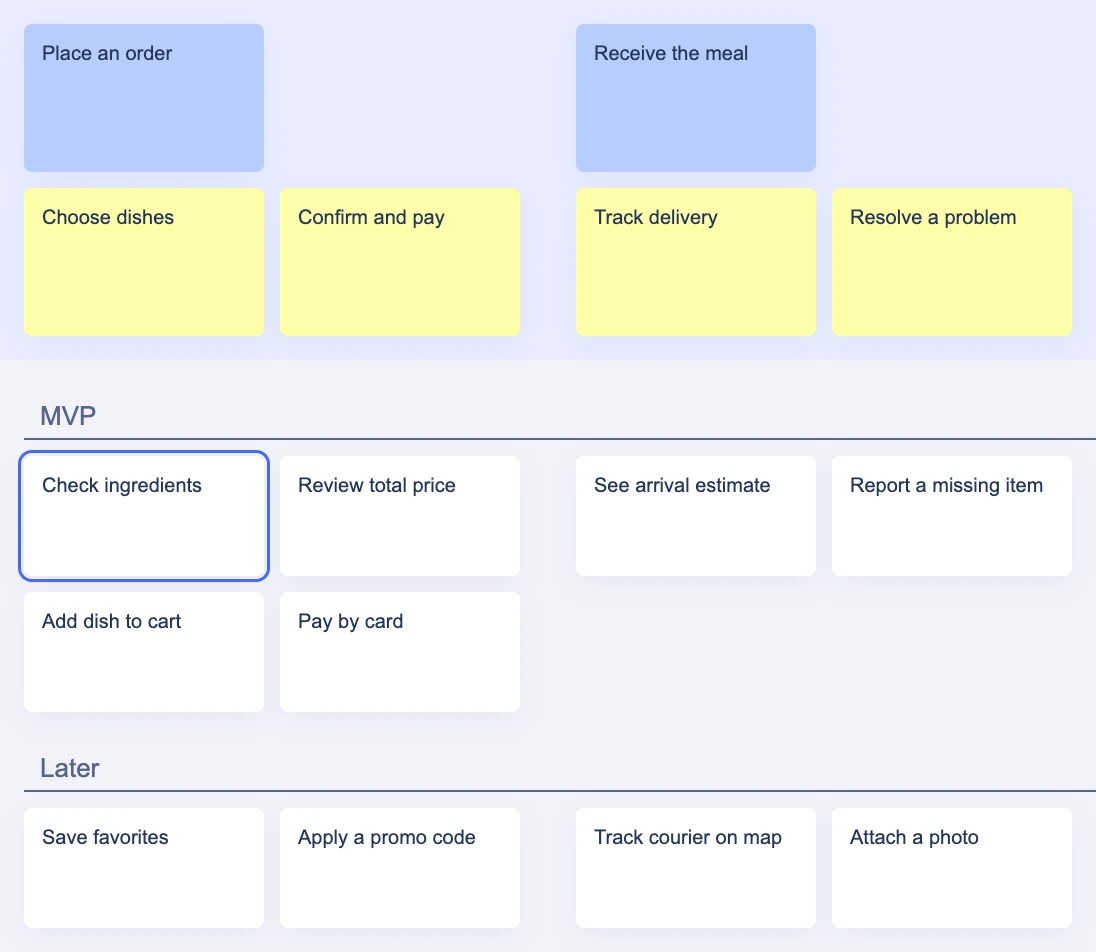
Know which workflow you are using
Not every AI task is a button inside the board. AI Assist supports map and content suggestions in the StoriesOnBoard interface. An MCP-connected agent works from its own environment, reads the live map, and can carry out supported operations. Skills provide reusable instructions for that agent.
This distinction matters when someone wants to reproduce an example. A gap review prompt in an external agent is not a claim that the same workflow appears as a built-in one-click feature. Start with the interface and permissions that match the job.
Develop the map and card content.
Read context and use supported map operations.
Review the result with your team.
| Where | Best starting task | What to review |
|---|---|---|
| AI Assist in StoriesOnBoard | Suggest goals, steps, stories, or card content | Select relevant suggestions and refine the wording. |
| External agent + MCP | Compare a brief with the map or refine a selected slice | Review the proposal and the actual board changes. |
| Agent + skill instructions | Repeat a discovery, creation, audit, or refinement procedure | Check its inputs, decisions, and completion conditions. |
Read the documentation: Build a story map with AI Assist · MCP capabilities and connection endpoint
Generate ideas for goals, steps, and stories
Begin with a product description and the relevant persona. In AI Assist, work from broad goals toward journey steps and then stories. Select the suggestions that fit your scope; review ordering and granularity before treating the result as the backbone.
For the meal-ordering example, Choose dishes is a step and Check ingredients is a smaller capability beneath it. If a suggestion is really a second user journey, separate it. If it repeats an existing story, merge the intent instead of accumulating cards. The useful output is a clearer map, not the highest possible card count.
- Input
- Product context, persona, the existing map, and the area you want to extend.
- Result to look for
- Relevant suggestions placed at the appropriate level of the journey.
Read the documentation: Build a story map with AI Assist
Write and refine acceptance criteria in a card
The documented AI Assist flow starts in a story card's description editor: press Space and choose Write acceptance criteria. Review the suggested content, ask for refinements, and accept it when it represents the intended behavior. The result becomes part of the card description.
For Check ingredients, the team needs to decide which ingredient information is available and how it is maintained. An AI suggestion must not invent an allergen guarantee. The example below narrows the feature to displaying the restaurant-provided information and explaining when that information is unavailable.
Confirm address
As a customer, I want to check the delivery address before paying.
- The selected address is visible before payment.
- The customer can return to edit it.
- Editing preserves the cart contents.
To decide: required fields and delivery eligibility.
Starting point
As a customer, I want to check ingredients before ordering.
More useful result
When ingredient information exists, show it on the dish detail view before the customer adds the dish. When it is missing, show a clear unavailable state rather than an empty heading.
Review with your team: Confirm the data source, wording, and accessibility with the team. Handling allergy-related claims requires explicit product decisions.
Read the documentation: Generate and review acceptance criteria
Make repeated writing follow your team's format
Acceptance criteria templates let a team define the structure it wants AI Assist to use. The documented settings are under AI Assist → Custom AI Functions → Write acceptance criteria. Update the instruction, save it, and inspect the next generated result.
A useful template separates observable behavior, failure cases, and open questions. It can ask for Given/When/Then phrasing without forcing every requirement into an awkward scenario. A template governs the shape of a suggestion; it is not a validator and cannot supply unknown business rules.
Confirm address
As a customer, I want to check the delivery address before paying.
- The selected address is visible before payment.
- The customer can return to edit it.
- Editing preserves the cart contents.
To decide: required fields and delivery eligibility.
Read the documentation: Configure acceptance criteria templates
Review gaps with an MCP-connected agent
For a wider task, ask an external agent to inspect the selected release and explain gaps in the journey. A payment step with only a success story might prompt a question about retrying a failed payment. That is a candidate for discussion, not automatic evidence that a feature must be added.
Define the review boundary: one persona, release, or journey. Ask for a list that separates confirmed gaps, possible duplicates, and unanswered questions. Review it before asking for board changes, then verify the result under the intended steps. Read the skill workflow for a repeatable approach to this review.
Inspect the selected story and release.
Explain the change and open questions.
The team decides what to apply.
Read back the result on the board.
Read the documentation: Five skills, one backlog: the workflow explained
Built with StoriesOnBoard AI + MCP
Todoista
Keep track of your tasks, delegated commitments, and the right moment to follow up.
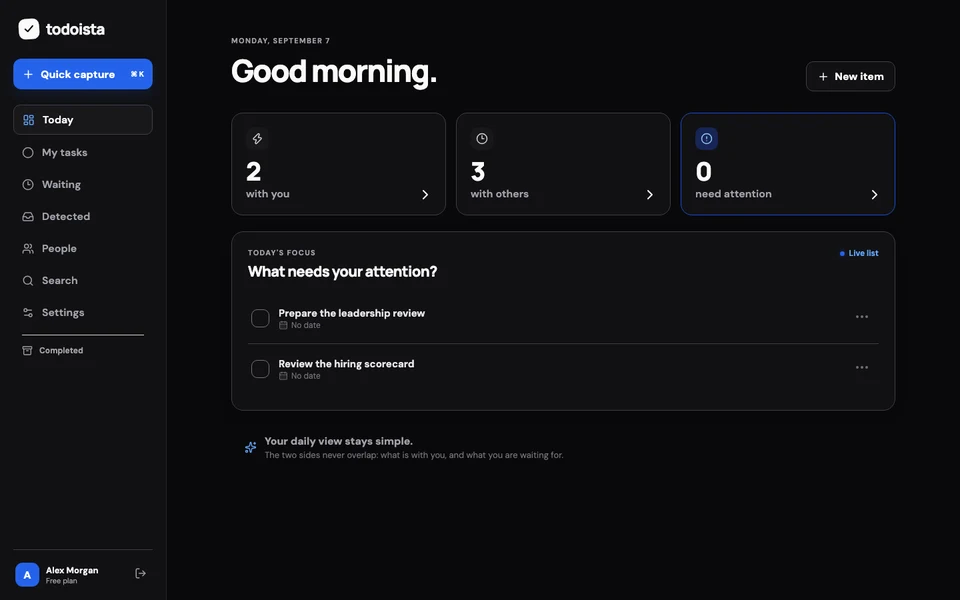 Explore Todoista
TeamRally
Explore an interactive preview of a team movement challenge, with activities, role bonuses, and shared scores.
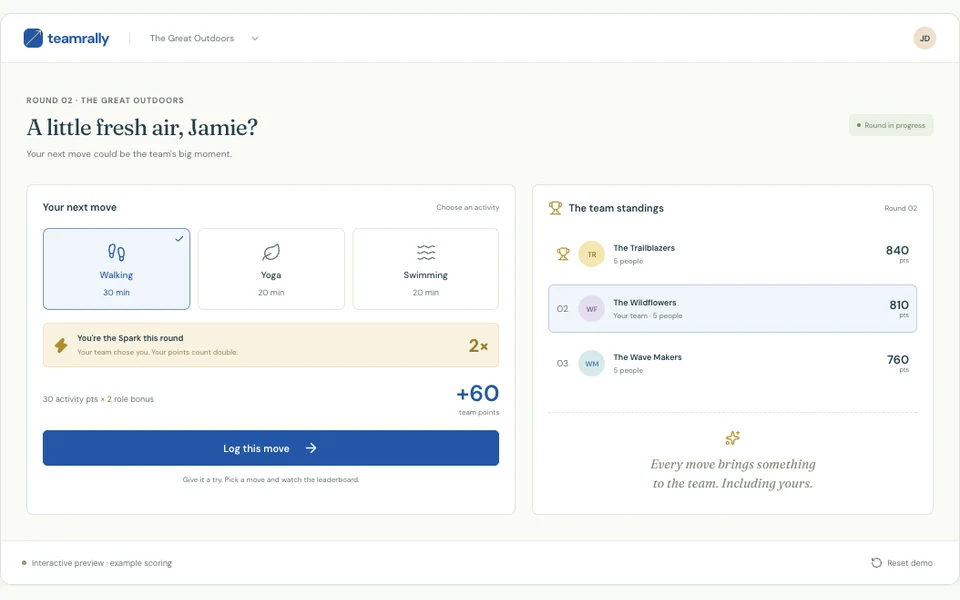 Explore TeamRally
SpendVsInvest
Explore how everyday spending compares with a hypothetical investment using historical market data.
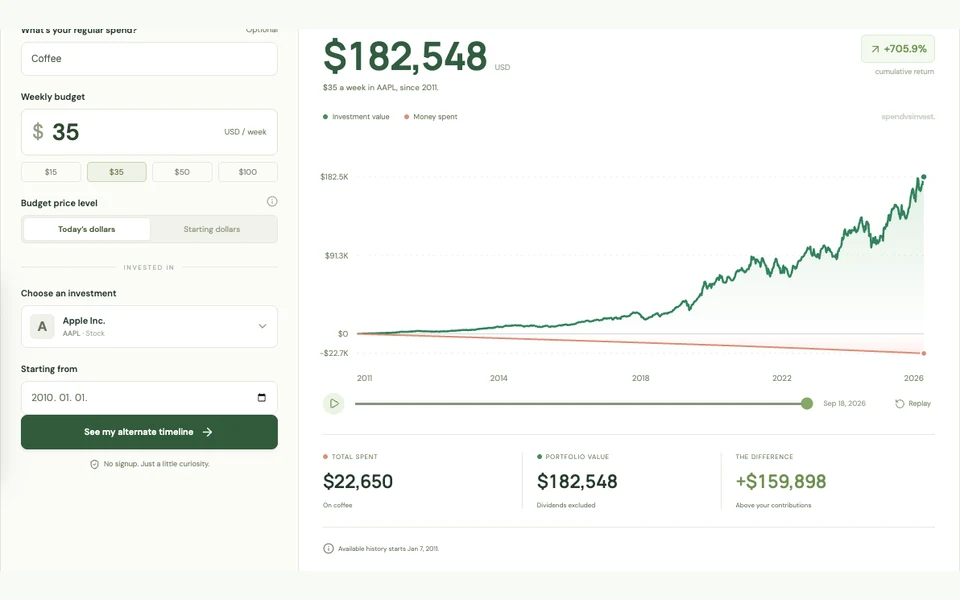 Explore SpendVsInvest
Clear answers before you start.
Can I edit AI-generated content?+
Yes. The documented AI Assist flow supports reviewing and refining generated acceptance criteria before accepting them into the description. Treat the result as working product content that your team owns.
Does a custom template guarantee correct acceptance criteria?+
No. It guides the format and emphasis. You still need to verify the business rules, coverage, contradictions, and observable behavior against the actual product.
Do I need MCP to use the in-product AI assistant?+
These are different workflows. The in-product AI Assist operates in StoriesOnBoard; MCP connects an external agent. Follow the AI Assist setup guidance for your workspace and the separate MCP connection guide for an external host.
Try one focused workflow on your own product.
Choose a real question, keep the scope small, and review the result with the people who own the decision.
Try StoriesOnBoard